Creating a relaxing home workspace is essential for maintaining productivity and comfort during your workday. Whether you work remotely full-time or occasionally need a quiet spot to catch up on tasks, designing a space that inspires focus without stress can make a big difference in how effectively you work and how comfortable you feel. In this post, we’ll explore practical tips for setting up a calming and productive home office environment.
Why a Relaxing Workspace Matters
A workspace shapes how you feel and perform. An overly cluttered or harsh environment can cause distractions, stress, and fatigue, leading to lower productivity. Conversely, a workspace that’s thoughtfully arranged to be calming and inviting helps reduce anxiety, improves concentration, and makes your work routine more enjoyable.
Choosing the Right Location
Find a Quiet Spot
Pick a location away from high-traffic areas to minimize noise and interruptions. If space is limited, consider using noise-cancelling headphones or adding soft furnishings to dampen sound.
Take Advantage of Natural Light
Natural light can boost mood and alertness. Position your desk near a window if possible to enjoy daylight. Use sheer curtains to reduce glare without completely blocking sunlight.
Prioritize Ergonomics
Comfortable seating and good posture support long work hours without strain.
– Invest in a good chair with adjustable height and lumbar support.
– Adjust your desk height so your elbows rest at about a 90-degree angle.
– Place your computer screen at eye level to prevent neck strain.
– Keep your feet flat on the floor or on a footrest.
Declutter for a Calm Environment
A cluttered desk can clutter your mind. Keep the workspace organized:
– Use drawers and storage boxes to hide supplies.
– Limit what’s on your desk to essentials like your computer, a notebook, and a pen.
– Regularly clean and reorganize to maintain clarity.
Add Elements That Promote Relaxation
Design your space to be calming with some thoughtful touches:
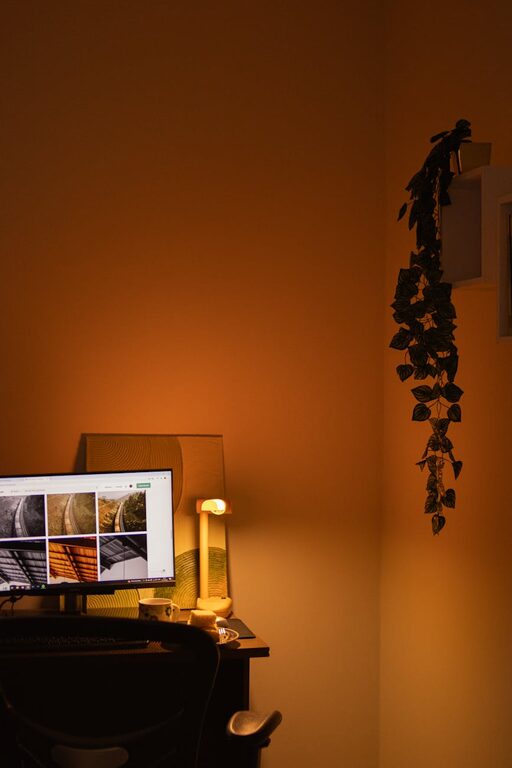
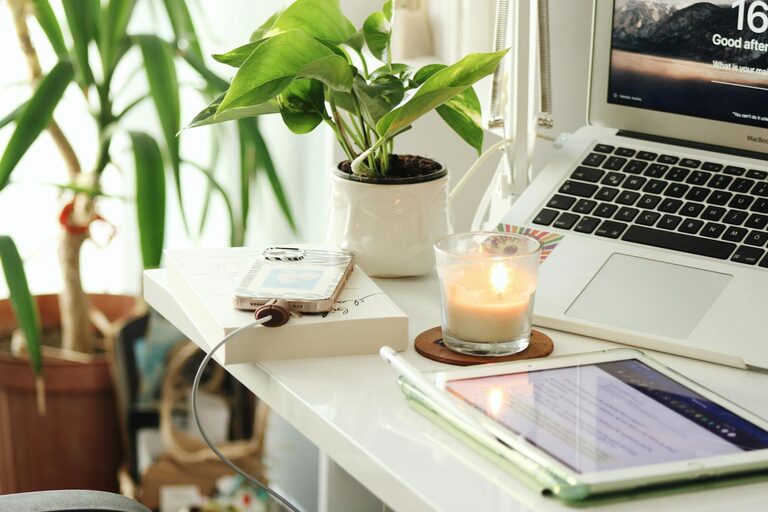
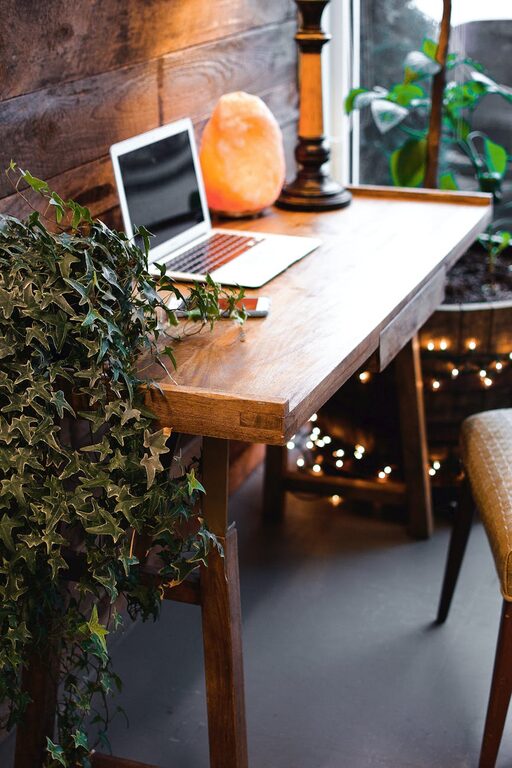
– Incorporate plants: Simple greenery can reduce stress and improve air quality.
– Choose soothing colors: Soft blues, greens, or neutrals create a peaceful backdrop.
– Include personal touches: Photos, artwork, or meaningful objects can make the space welcoming without overwhelming it.
Manage Lighting Carefully
Proper lighting reduces eye strain and supports alertness.
– Combine ambient lighting with task lighting, such as a desk lamp.
– Avoid harsh fluorescent bulbs.
– Use adjustable lighting to adapt to different times of day.
Establish a Routine and Boundaries
A workspace should feel dedicated to work but not overwhelming.
– Set specific work hours and take regular breaks.
– Use the space only for work when possible to maintain mental separation between work and home life.
– Create a ritual to signal the start and end of your workday, such as tidying your desk or changing into different clothes.
Incorporate Movement and Breaks
Sitting too long is tiring and unhealthy.
– Stand up and stretch every hour.
– Consider a sit-stand desk or use an exercise ball for part of the day.
– Incorporate small walk breaks to refresh your mind.
Use Technology Wisely
Technology can help or hinder productivity.
– Keep your devices charged and well-organized.
– Use apps or tools that block distractions during work periods.
– Ensure your internet setup is reliable to avoid interruptions.
Keep It Flexible and Adjustable
Your needs may change depending on your work tasks or mood.
– Choose furniture and accessories that can be easily rearranged.
– Experiment with different layouts or decorations to keep the space feeling fresh and engaging.
—
Creating a relaxing home workspace doesn’t require major renovations or expensive equipment. With these tips, you can build an environment that supports your focus and comfort, helping you work more efficiently while also feeling at ease. Start small, personalize your space, and pay attention to how it affects your productivity and mood. A well-designed home office is an investment in your well-being and success.
About the Author